
Download ConceptDraw PRO – Professional Diagramming, Flowcharting & Visualization Tool
Overview
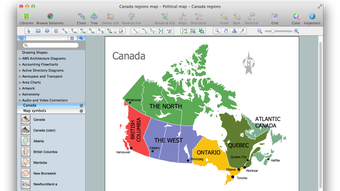
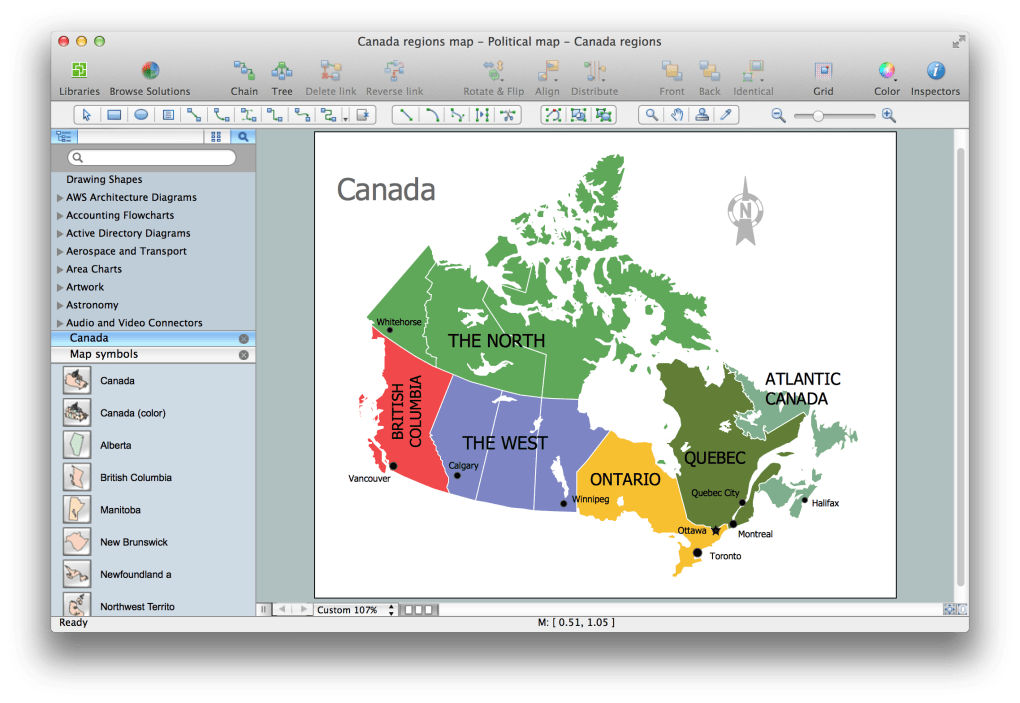
ConceptDraw PRO, Microsoft Visio’ya güçlü bir alternatif olarak konumlanıyor ve akış şemaları, diyagramlar ve illüstrasyonlar için çok yönlü bir araç ihtiyacı duyan profesyonellere hitap ediyor. İş analistleri, BT mimarları, proje yöneticileri ve mühendisler için tasarlanmış bu uygulama, Visio’nun çoğu özelliğini yansıtan kapsamlı bir araç seti sunarken kendi benzersiz dokunuşlarını da ekliyor. Kullanıcılar, geniş şekil, şablon ve şablon kütüphanesi sayesinde basit süreç haritalarından karmaşık UML, ağ ve mühendislik diyagramlarına kadar her şeyi oluşturabiliyor. Program, karmaşık yapılarla çalışırken parlıyor; esnek kanvası ve akıllı‑bağlantı özellikleri, manuel hizalama yapmadan ilişkileri ve bağımlılıkları hızlıca haritalamanıza olanak tanıyor. Öne çıkan özelliklerden biri, yerleşik betik dili; bu, güç kullanıcıların tekrarlayan görevleri otomatikleştirmesini, özel görselleştirmeler üretmesini ve yazılımı daha büyük kurumsal raporlama hatlarına entegre etmesini sağlıyor. Öğrenme eğrisi orta seviyede olsa da, ConceptDraw PRO, yeni başlayanları adım adım yönlendiren kapsamlı bir yardım sistemiyle bunu telafi ediyor.
Dışa aktarma seçenekleri bol: diyagramlar PNG, JPG, SVG, PDF ve hatta yerel CAD formatlarında kaydedilebiliyor, bu da görselleri sunumlara, web sitelerine veya teknik belgelere kolayca yerleştirmenizi sağlıyor. Güçlü yönlerine rağmen, uygulama otomatik‑kaydet özelliğine sahip değil; bu, sürekli arka plan kaydetmeye alışkın kullanıcılar için bir eksiklik. Visio dosyalarının içe aktarılması çalışıyor, ancak zaman zaman formatlama hataları manuel ayarlamalar gerektirebilir.
Genel olarak, ConceptDraw PRO, Visio’yu değiştirmek veya tamamlamak isteyen, derinlik, esneklik ve çok platformlu desteği dengeleyen güçlü ve maliyet‑etkin bir paket sunuyor.
Key Features & Capabilities
- Extensive Template Library: Over 1,500 ready‑made templates covering business processes, IT infrastructure, project management, scientific diagrams, and more.
- Advanced Shape Stencils: Thousands of vector‑based shapes with smart‑connectors that automatically align and adjust as you modify diagrams.
- Built‑in Scripting Engine: Supports VBA‑like scripts to automate diagram generation, batch‑export, and integration with external data sources.
- Multi‑Format Export & Import: Export to PNG, JPG, SVG, PDF, DWG, DXF, and import Visio VSD/VSDX files with high fidelity.
- Collaboration Tools: Real‑time comments, version history, and the ability to publish diagrams directly to the web or embed them in SharePoint.
- Cross‑Platform Compatibility: Native Windows and macOS versions, plus a cloud‑based viewer for Android and iOS devices.
- Precision Layout Engine: Grid, guide, and snapping options ensure pixel‑perfect alignment for technical drawings.
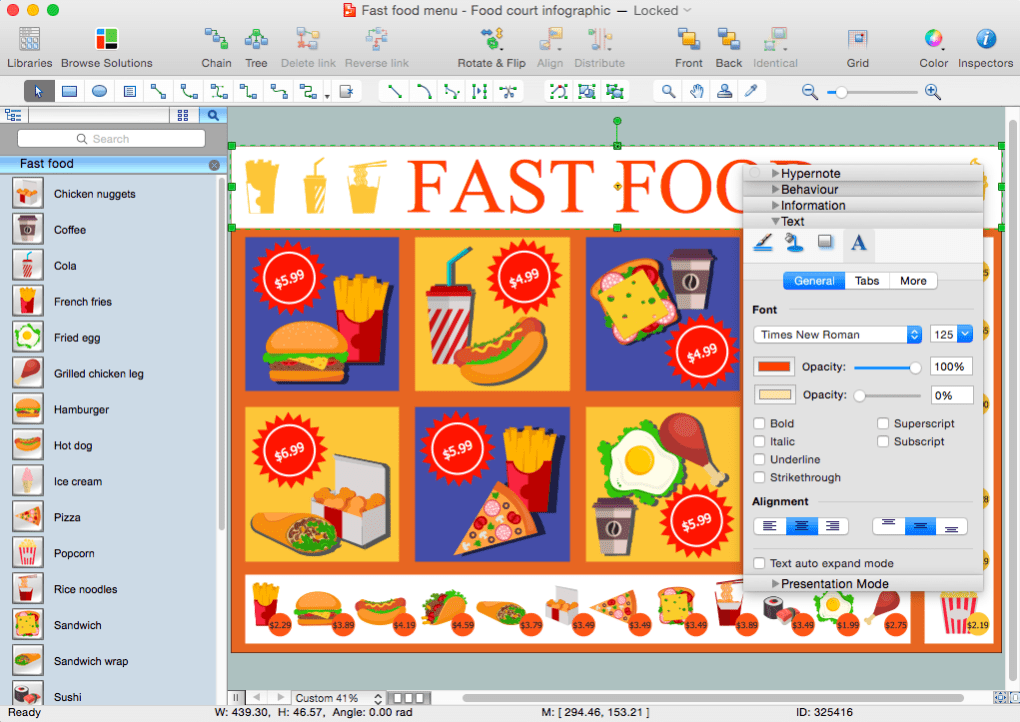
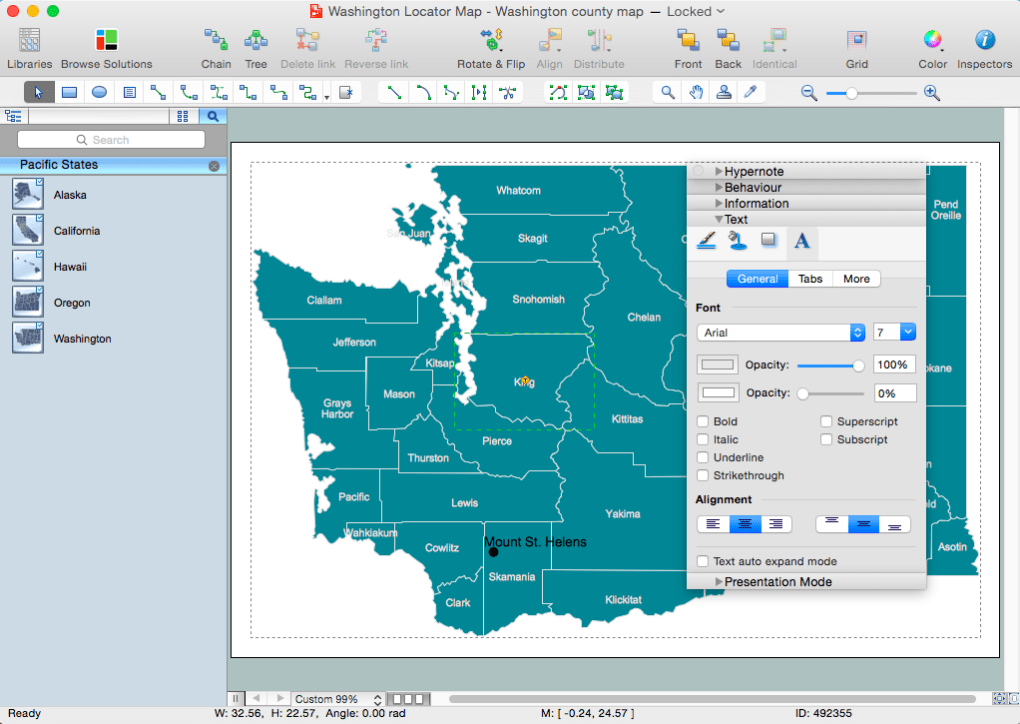
- Customizable UI: Drag‑and‑drop toolbars, shortcut customization, and dark mode for reduced eye strain.
- Security & Update Management: Secure download via SSL, regular patches, and optional automatic update notifications.
Installation, Compatibility & Usage Guide
System Requirements (itemprop="operatingSystem"): ConceptDraw PRO runs on Windows 10/11 (64‑bit) and macOS 11 (Big Sur) or later. Minimum RAM is 4 GB, though 8 GB is recommended for large projects. The installer occupies roughly 1.2 GB of disk space, and a graphics‑accelerated GPU improves rendering speed for complex diagrams.
Step‑by‑Step Installation:
- Visit the official ConceptDraw website and click the Download Free Trial button.
- Choose your operating system (Windows or macOS) and save the installer file.
- Run the executable (
.exe) or package (.dmg) and follow the on‑screen wizard. Accept the license agreement, select the installation folder, and let the process complete (usually under 5 minutes). - After installation, launch ConceptDraw PRO and register using the trial key or your purchased license.
- Run the introductory tutorial to familiarize yourself with the workspace, toolbars, and navigation shortcuts.
Getting Started with a New Diagram: Open the File → New menu, pick a template that matches your project (e.g., Business Process Flow), and the canvas will load with pre‑arranged shapes. Use the Smart Connector tool to link objects; the software automatically adjusts connector routing to avoid overlap. For detailed customization, right‑click any shape to access the Properties panel where you can modify line weight, fill color, and data fields.
Saving & Exporting: Save your work frequently using Ctrl+S (or Cmd+S on macOS). To export, choose File → Export and select the desired format. For collaborative scenarios, upload the diagram to the cloud viewer, generate a shareable link, and set permission levels (view‑only or edit). While the program does not yet feature auto‑save, you can enable manual backup intervals in the preferences to mitigate data loss.
Pros, Cons, FAQ & Final Verdict
Pros
- Comprehensive template and shape library reduces time spent on manual drawing.
- Powerful scripting engine for automation and custom visual solutions.
- Cross‑platform support ensures teams on Windows and macOS work seamlessly.
- Multiple export options, including CAD formats, cater to technical audiences.
- Robust collaboration features such as comments and version history.
Cons
- No built‑in auto‑save; users must remember to save manually.
- Visio import can occasionally misinterpret complex formatting.
- Interface, while feature‑rich, may feel less intuitive for beginners compared to Visio.
- Learning curve for the scripting language can be steep for non‑technical users.
- Higher upfront cost than some free diagramming tools.
Frequently Asked Questions
Can ConceptDraw PRO open native Visio files without loss of formatting?
ConceptDraw PRO can import Visio VSD/VSDX files, but complex diagrams with custom stencils may experience minor formatting shifts. Minor adjustments are often required after import.
Is there a free version or trial available?
Yes, a 30‑day free trial is offered on the official website. The trial provides full feature access, after which you can purchase a perpetual license.
Does ConceptDraw PRO support collaboration in real time?
While the desktop app does not support simultaneous editing, you can share diagrams via the cloud viewer, add comments, and track version changes, enabling asynchronous collaboration.
What operating systems are officially supported?
ConceptDraw PRO is available for Windows 10/11 (64‑bit) and macOS 11 (Big Sur) onward. A web viewer allows viewing on Android and iOS, though editing is limited to the desktop versions.
Can I export diagrams as CAD files for engineering use?
Yes, ConceptDraw PRO exports to DWG and DXF formats, making it suitable for integration with CAD workflows in engineering and architecture projects.
Conclusion & Call to Action
In the crowded diagramming market, ConceptDraw PRO stands out as a feature‑heavy, cross‑platform powerhouse that can comfortably replace Microsoft Visio for most professional use‑cases. Its extensive template collection, scripting capabilities, and broad export options make it especially appealing to technical teams that need precision and repeatable automation. The absence of auto‑save and occasional hiccups with Visio imports are notable drawbacks, but they are outweighed by the value delivered at a one‑time purchase price. If you’re seeking a secure, regularly updated tool that supports Windows, macOS, and web‑based sharing, ConceptDraw PRO is a compelling choice.
Ready to streamline your visual communication? Download ConceptDraw PRO today, start your free trial, and experience a professional diagramming solution that grows with your business.







